
Most Commonly Asked Sky HD Box Update Questions-
How To Manually Update Sky Hd Box To Latest Software?
How To Force A Sky Software Upgrade?
How To Do A System Software Update On All Sky Boxes?
How Do I Update My Sky Hd Box Software?
You can update your Sky+HD box software by following the steps mentioned below:
STEP 1:
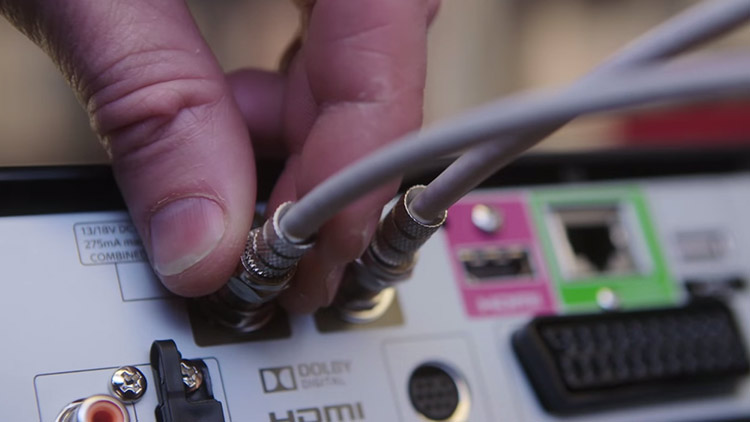
Power off your Sky+HD box by unplugging it from the mains.
STEP 2:
Turn off other devices which are connected to the box either by unplugging from the mains or switching them “off”.
STEP 3:
Confirm if the Sky HD box and other connected devices are turned “off”.
STEP 4:
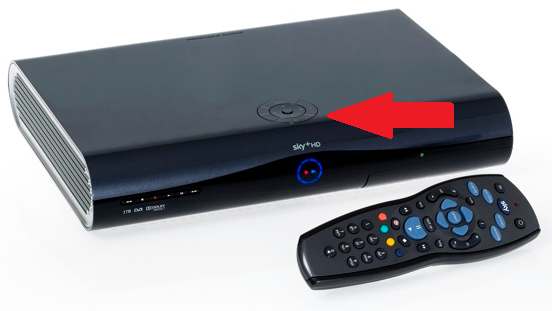
On the top panel of the box, press and hold the “backup” button.
Related: How To Program Your Sky Remote With Your Sky Box Or Sky TV? Step By Step (Instruct-O-Graphic)
You may also get in touch with sky customer services over phone to discuss the issue further with their technical engineer.
STEP 5:
You have to keep on pressing the “backup” button.
STEP 6:
Replug the Sky+HD box to the mains and continue holding the “backup” button.
Related: How To Troubleshoot Your Sky Hub Microfilters?
STEP 7:
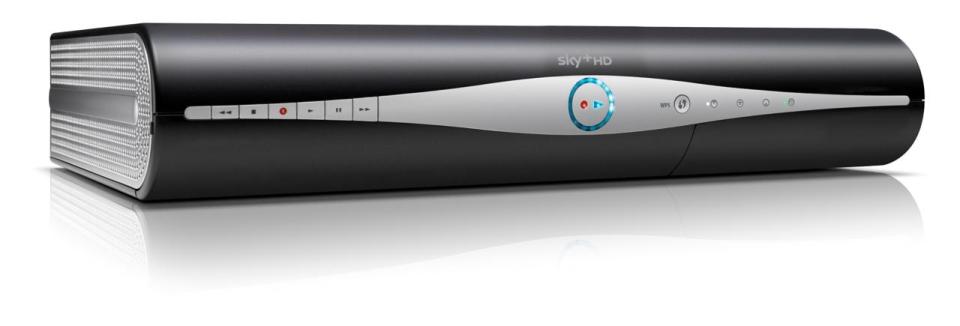
Continue pressing and holding the “backup” button for up to thirty seconds until all the four lights on the front panel of the box are illuminated.
STEP 8:
Now release the “backup” button and the box will go into the “download” mode.
Related: What to do when there is no sound while watching Sky go?
STEP 9:
If you can’t see the light illuminated after thirty seconds, repeat the above steps.
STEP 10:
Reconnect other connected devices with your Sky+HD box and turn them “ON”.
STEP 11:
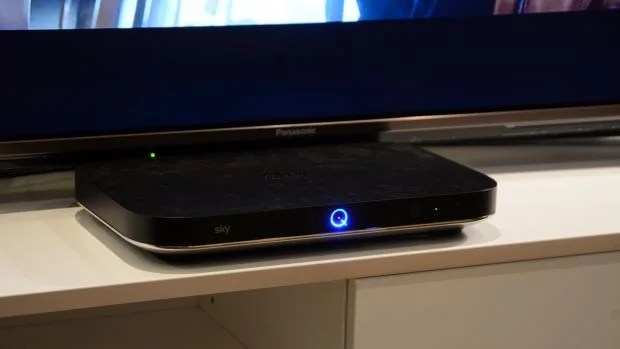
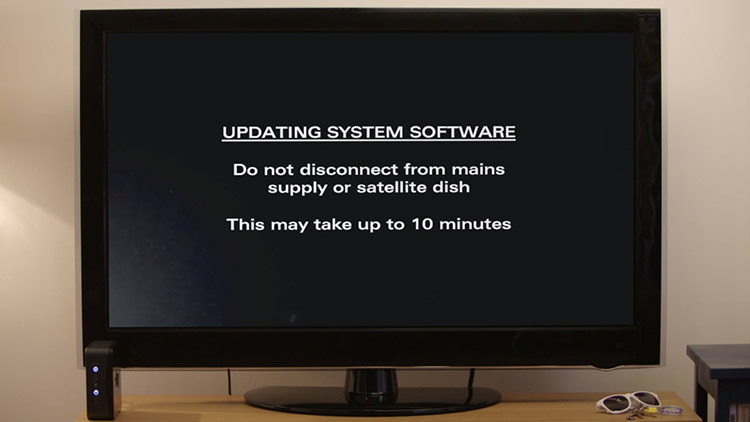
You will get an onscreen message “Updating System Software” on your TV.
Related: How to deal with Sky go buffering problems?
STEP 12:
The download will take up to 10 minutes to complete. You cannot use the box while the software is downloading.
Related: How to manage your Sky+ recording?
STEP 13:
After the software has been downloaded, the box will switch “off” automatically and the single red light will be illuminated.
STEP 14:
After three minutes, press the “sky” button on the remote to switch “on” the Sky+HD box. A green light will be illuminated on the front panel of the box.


 UK's Top Resource For Finding Contact Phone Numbers :
  Are you looking for Vodafone contact number? Call the Vodafone customer service phone number Go Here